Suitable for Windows systems, including advertising machines, regular computers, large screen control hosts, mini hosts, and other devices.
Note: Supports Windows 10 64-bit systems and Windows 11 64-bit systems.
Download the Windows version software package
Download link: https://www.cxplayer.com/home/download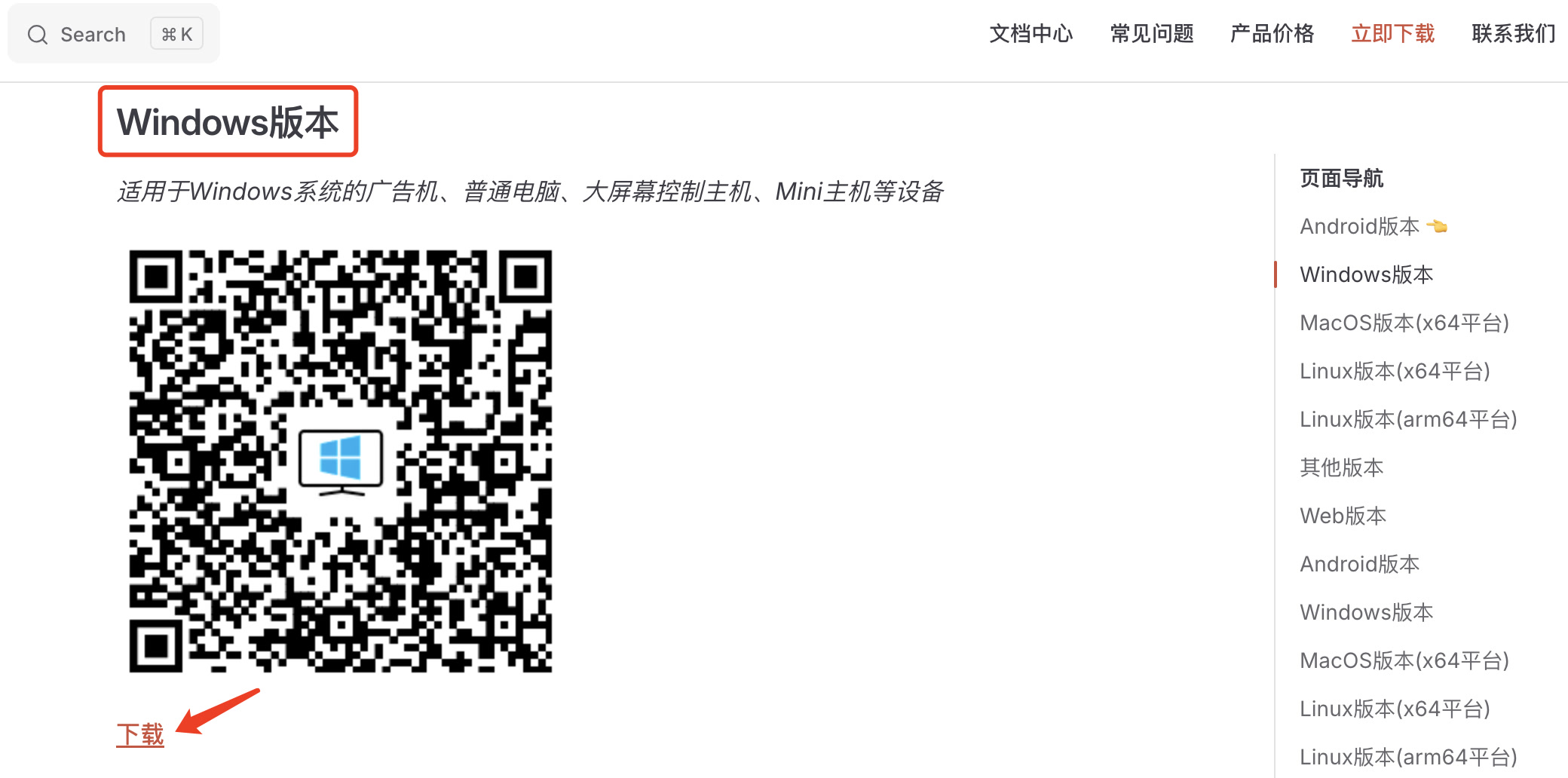
Click the button in the image above to download the Windows version of the Player APP. After downloading, extract the file to get a folder named cxplayer_player.

Move this folder to an appropriate location, such as the root directory of the D drive. 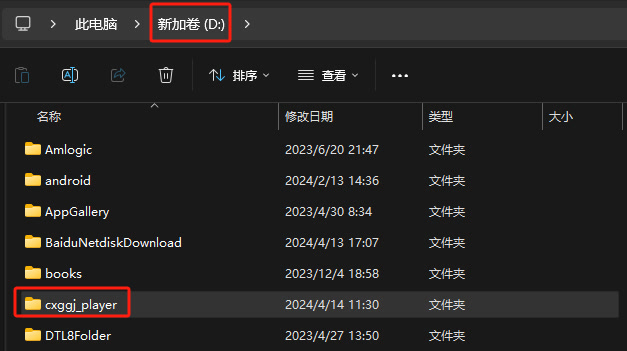
Next, you can run the software.
Run the software
There are two ways to run this software:
Method 1: Double-click the "run.bat" file to start, and it will check the running status every minute. If it exits abnormally, it will automatically restart, suitable for unattended scenarios. 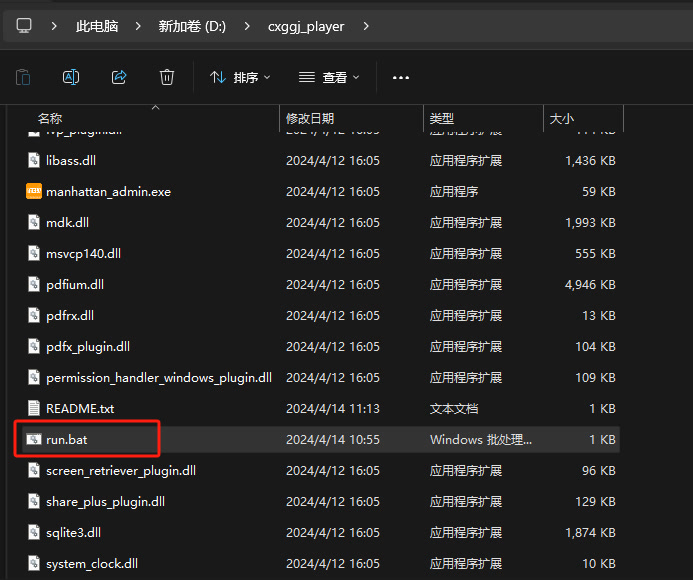
Method 2: Double-click the "manhattan_admin.exe" file to start, it will run normally without checking the running status. 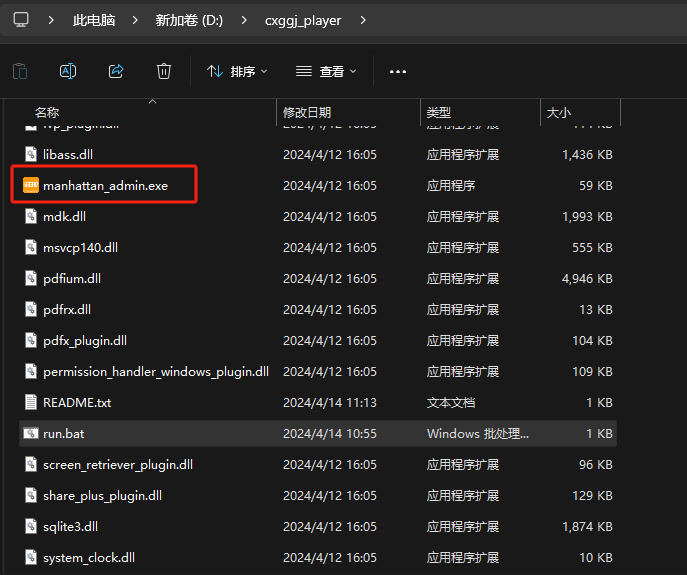
How to achieve auto-start on boot?
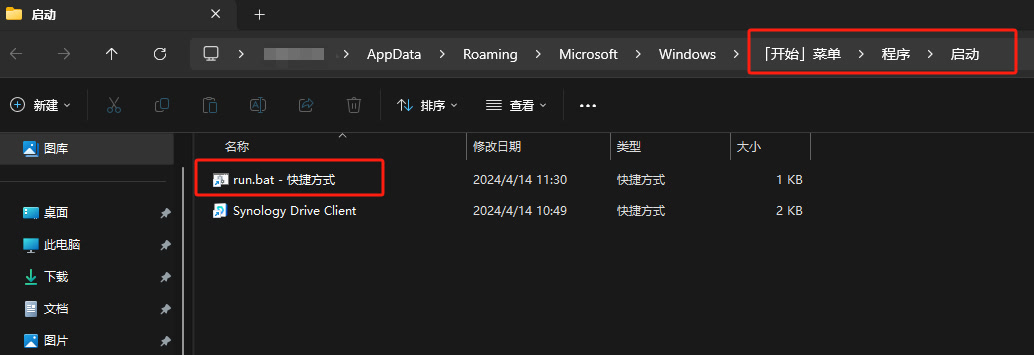
Step 1: Create a shortcut Right-click on the "run.bat" file or "manhattan_admin.exe" file (or hold the shift key and then right-click), and select "Create shortcut"; 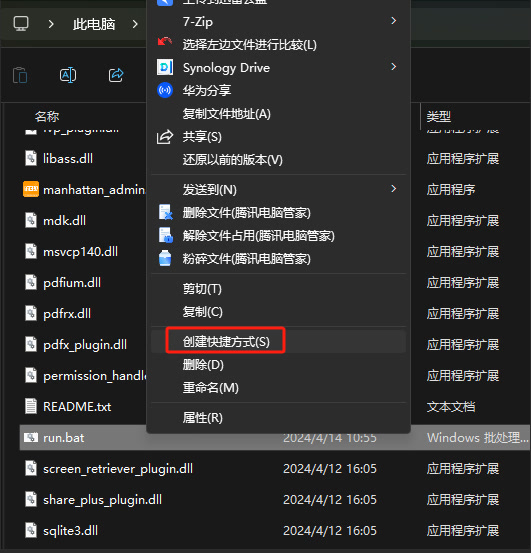
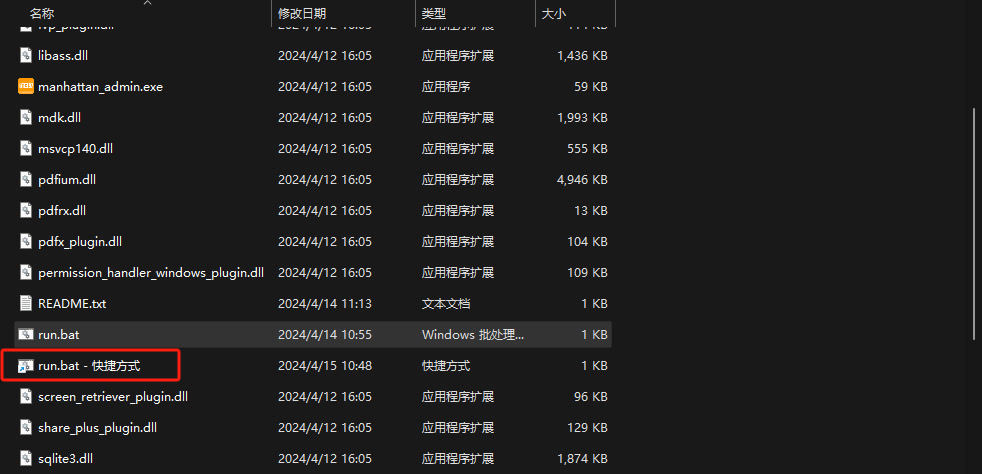
Step 2: Place the shortcut in the startup folder Hold the "Windows logo key" and then press the "R" key to open "Run", enter "shell:startup" and press Enter; 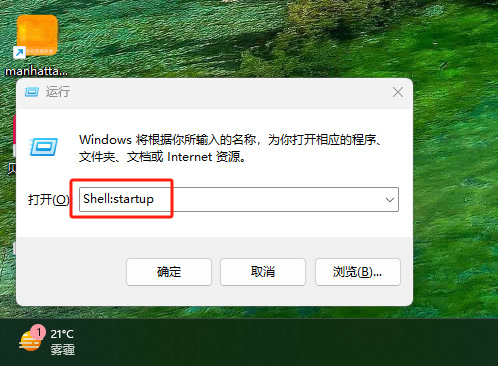
Drag the shortcut created in step 1 into the folder that pops up.