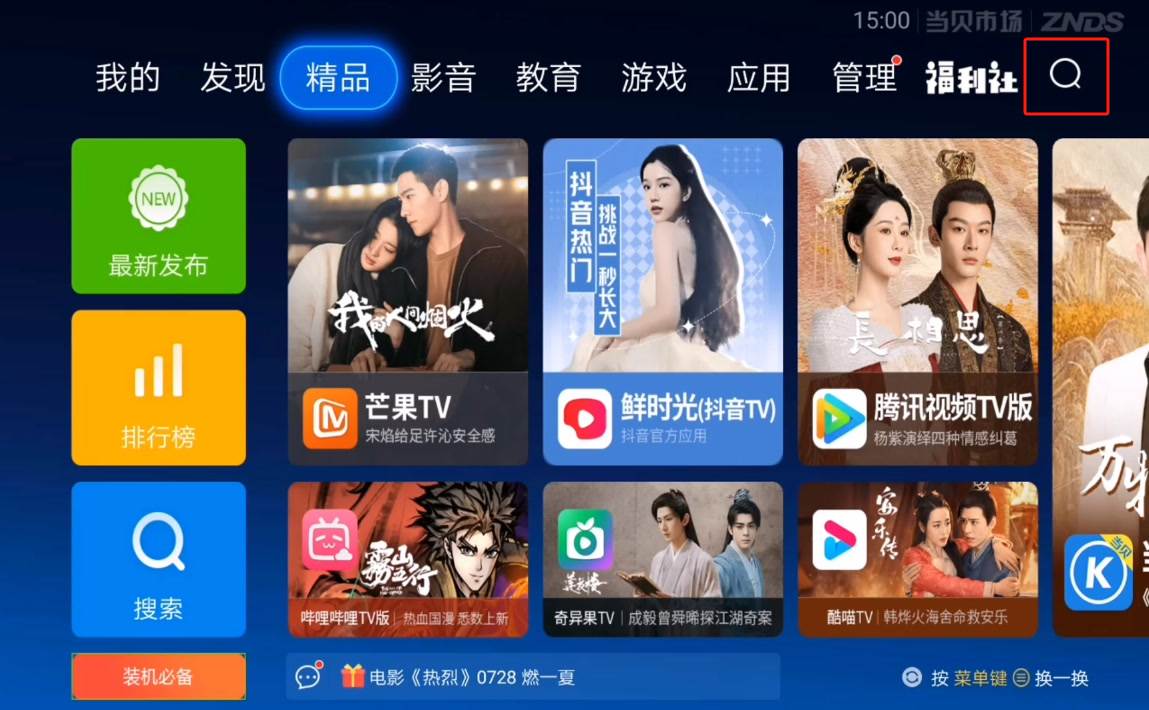
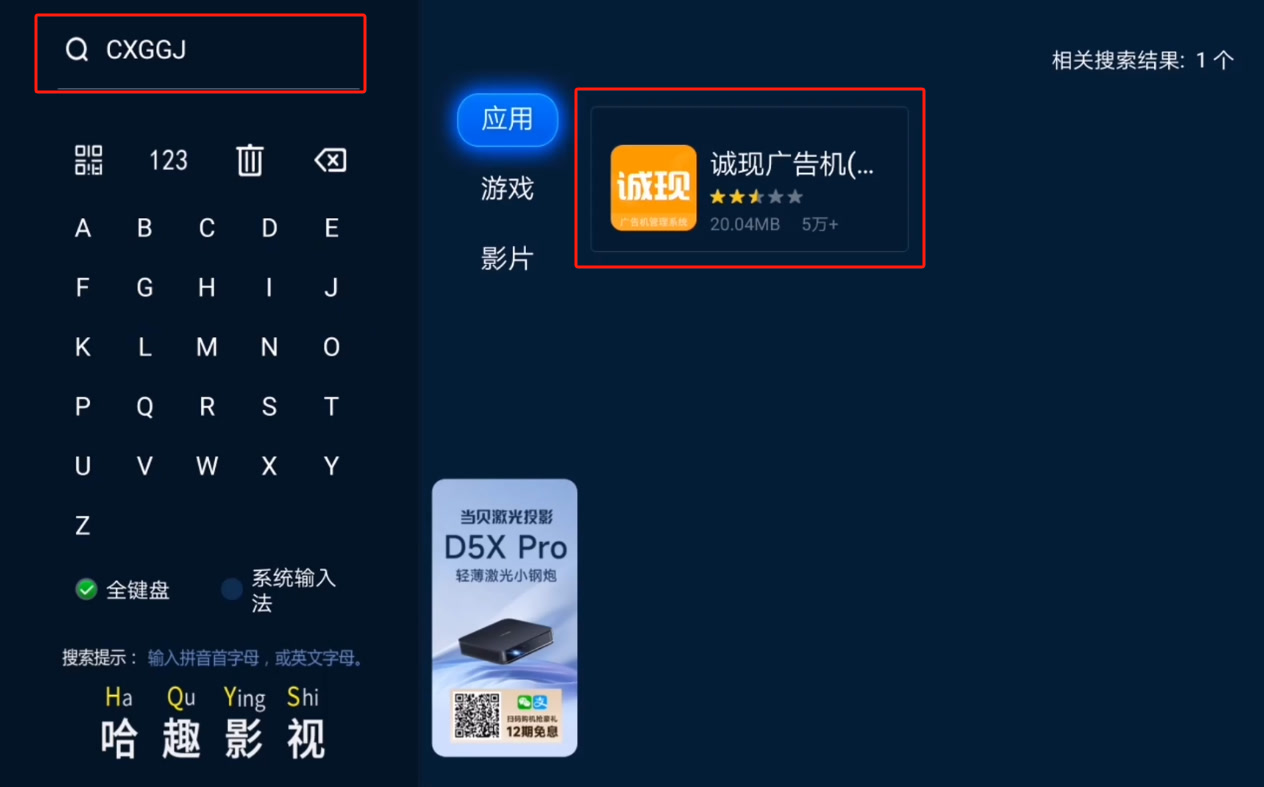
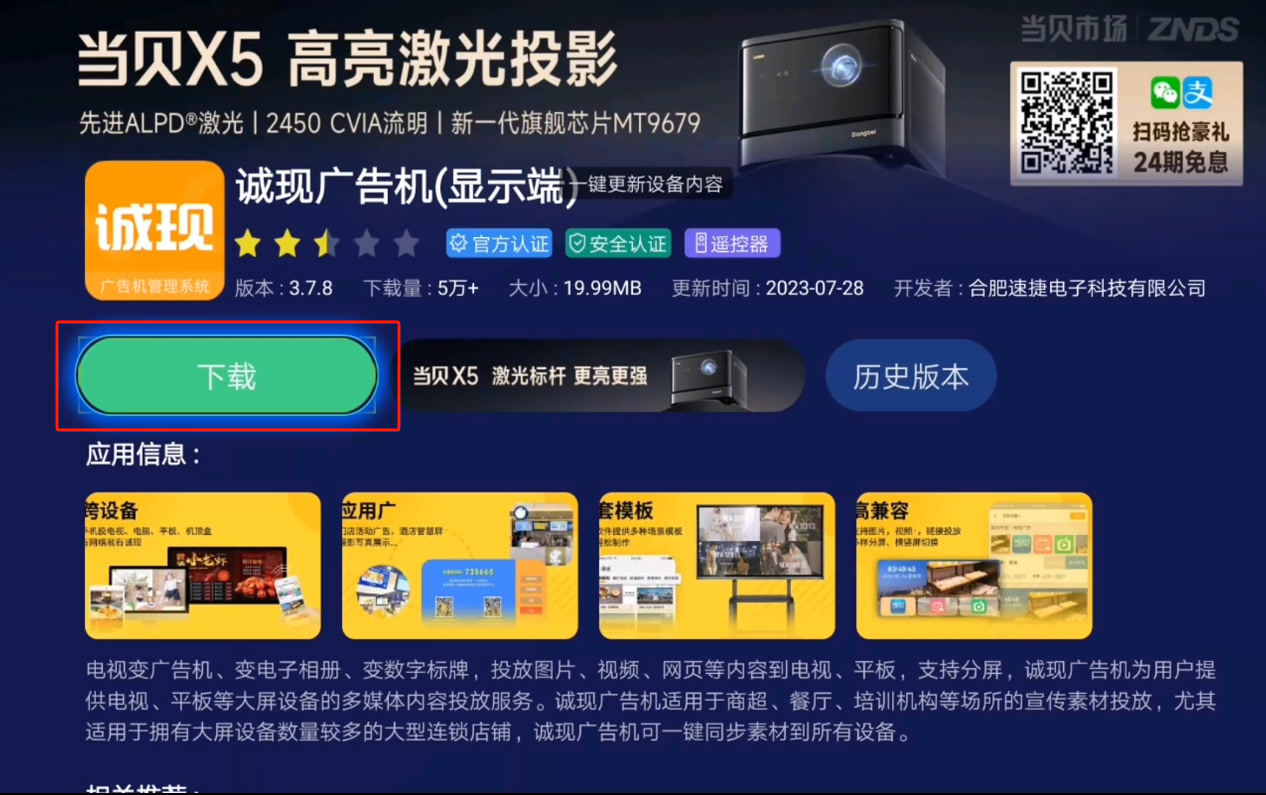
Suitable for Android TVs, set-top boxes, advertising machines, and other devices. You can directly download and install it through the app market or download the installation package from the official website and then push it to the TV for installation via a USB drive or other methods.
⚠️ Note: Due to app market listing restrictions, the auto-start-on-boot version cannot be listed. If you need this feature, please install it by downloading the installation package from the official website.
Download APK file from the official website
You can download the installation package using any device that supports a browser, such as a computer or mobile phone. Here we take a computer as an example.
- Enter the CXPlayer official website address: https://www.cxplayer.com in the computer browser address bar, press Enter to go to the CXPlayer official website;
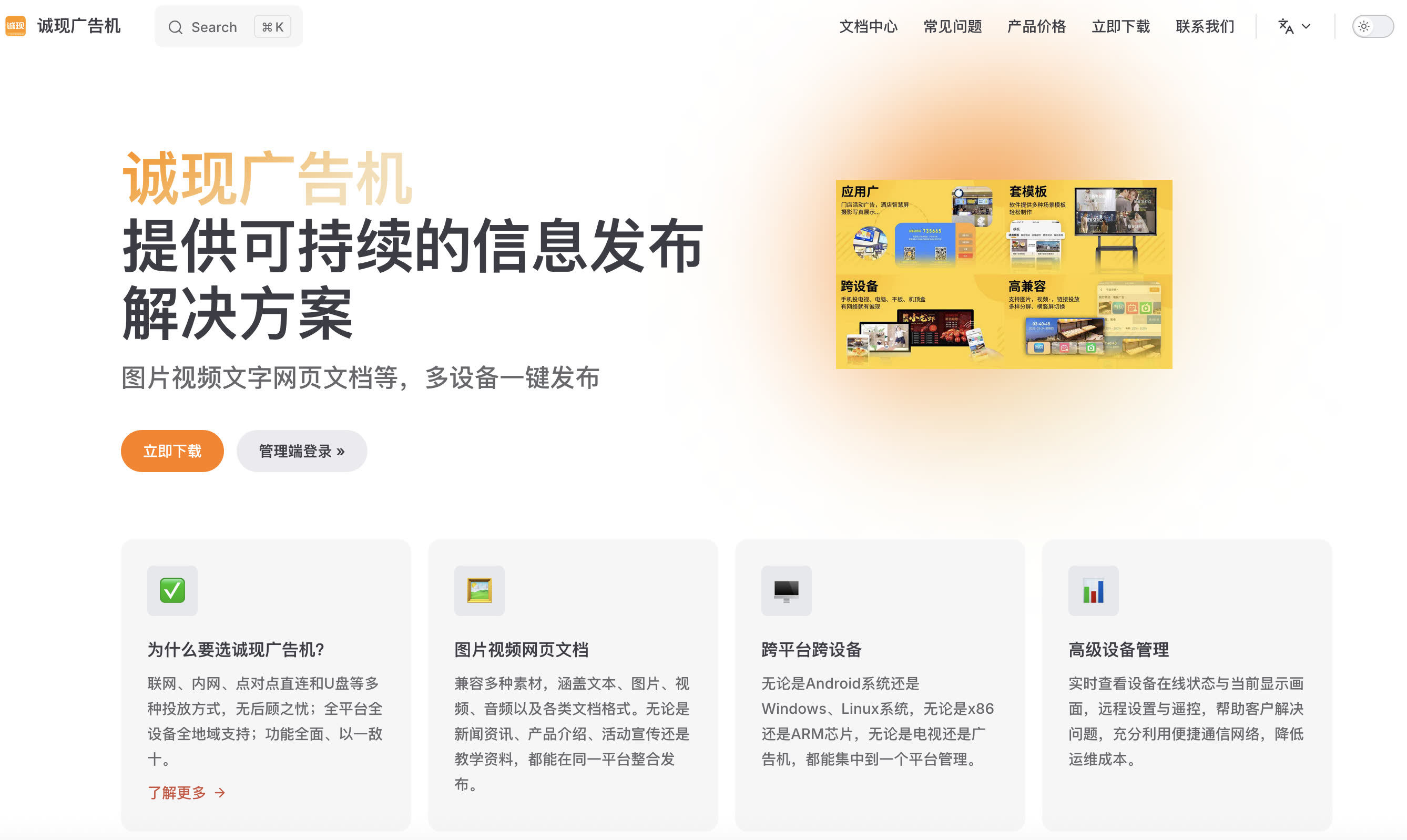
- From the CXPlayer official website, click Download Now to go to the download page;
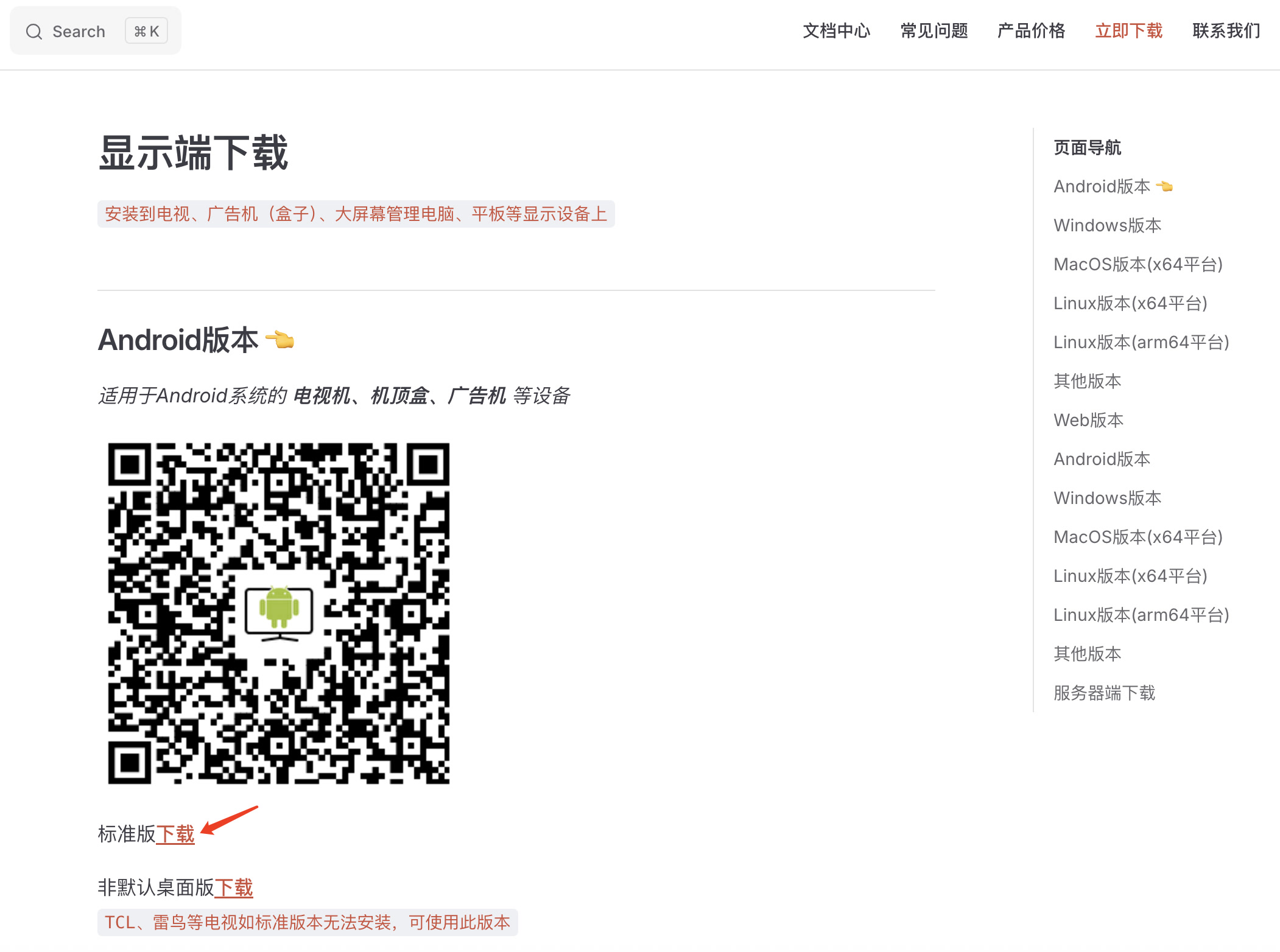
- Insert a USB drive into the computer, copy the APK file downloaded in the previous step to the USB drive, and then remove the USB drive;
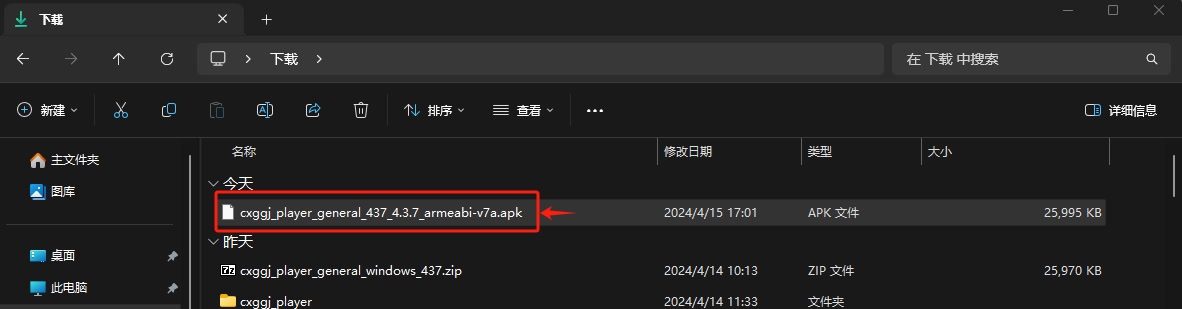
- Insert the USB drive into the TV, the TV will prompt that a USB drive has been inserted. If there is no prompt, directly use the TV's built-in file management software to enter the USB drive directory;
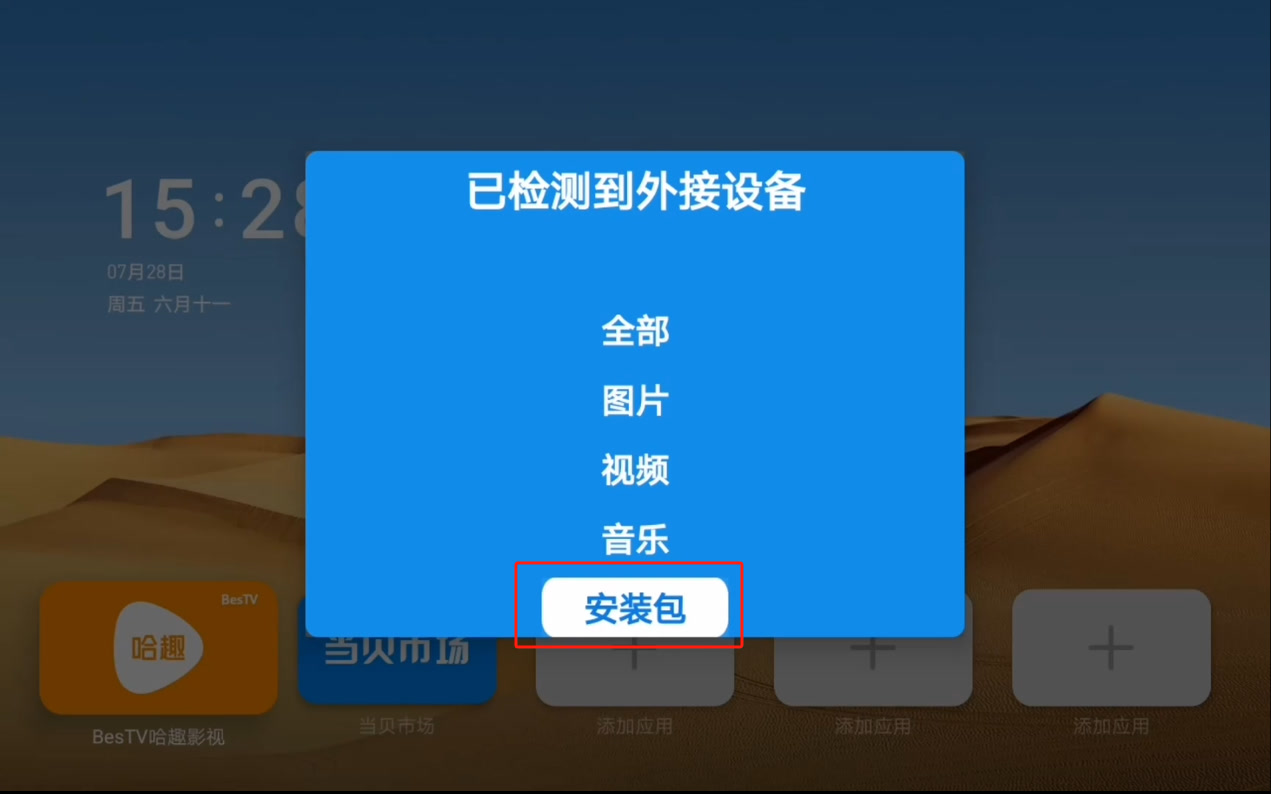
- Enter the file management, find the CXPlayer installation package, and then install it;
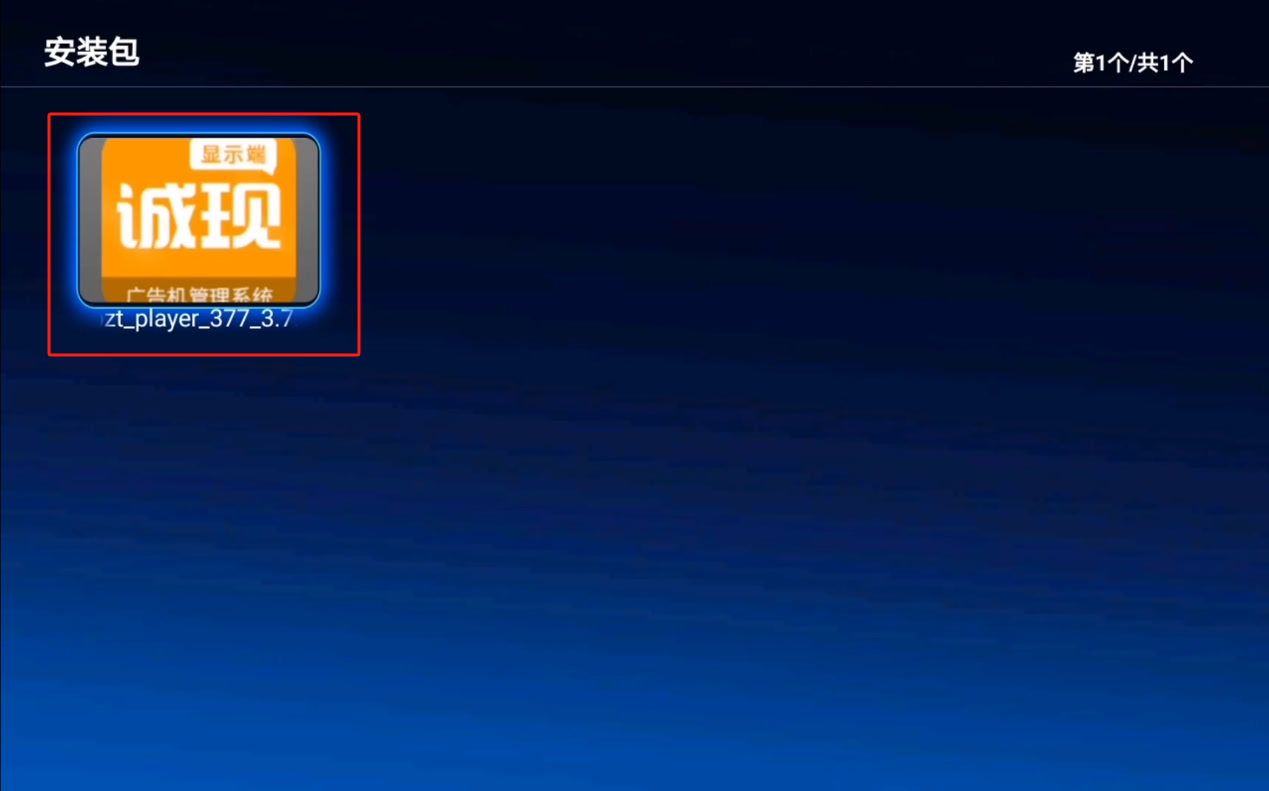
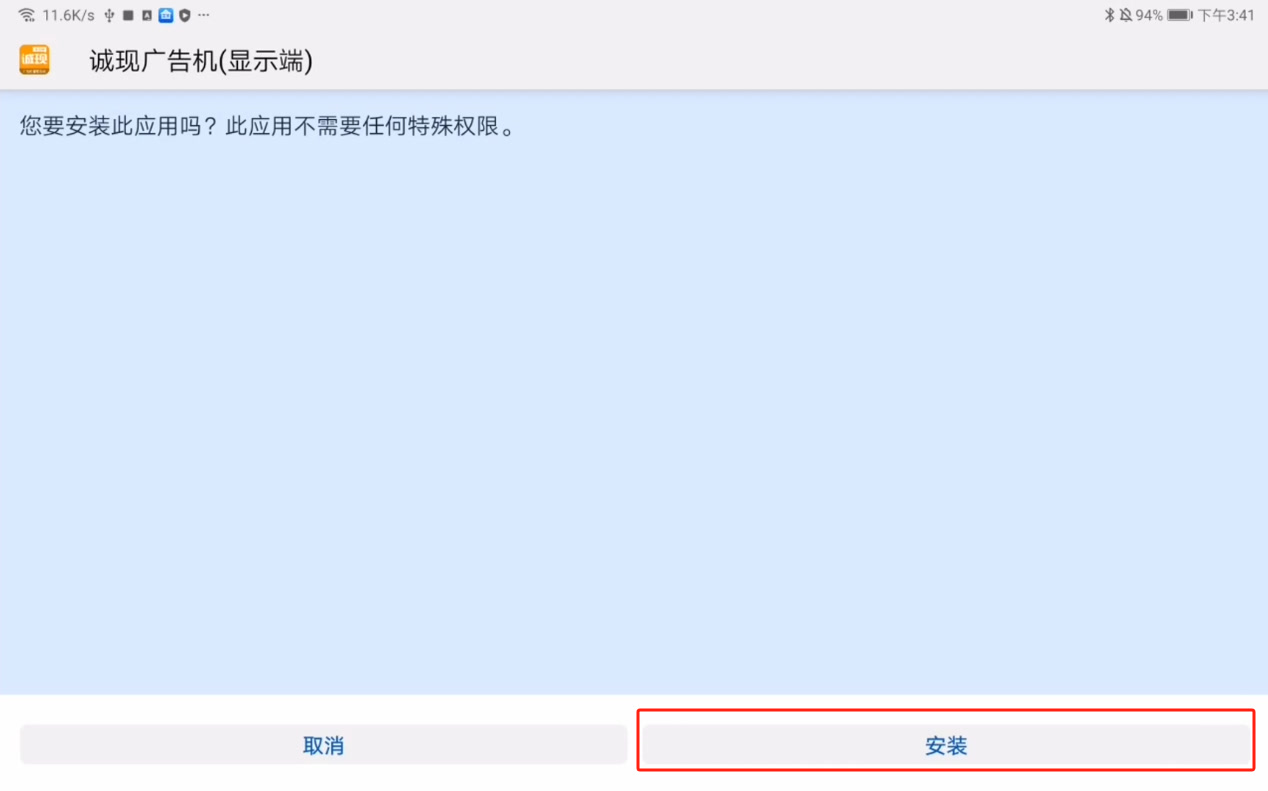
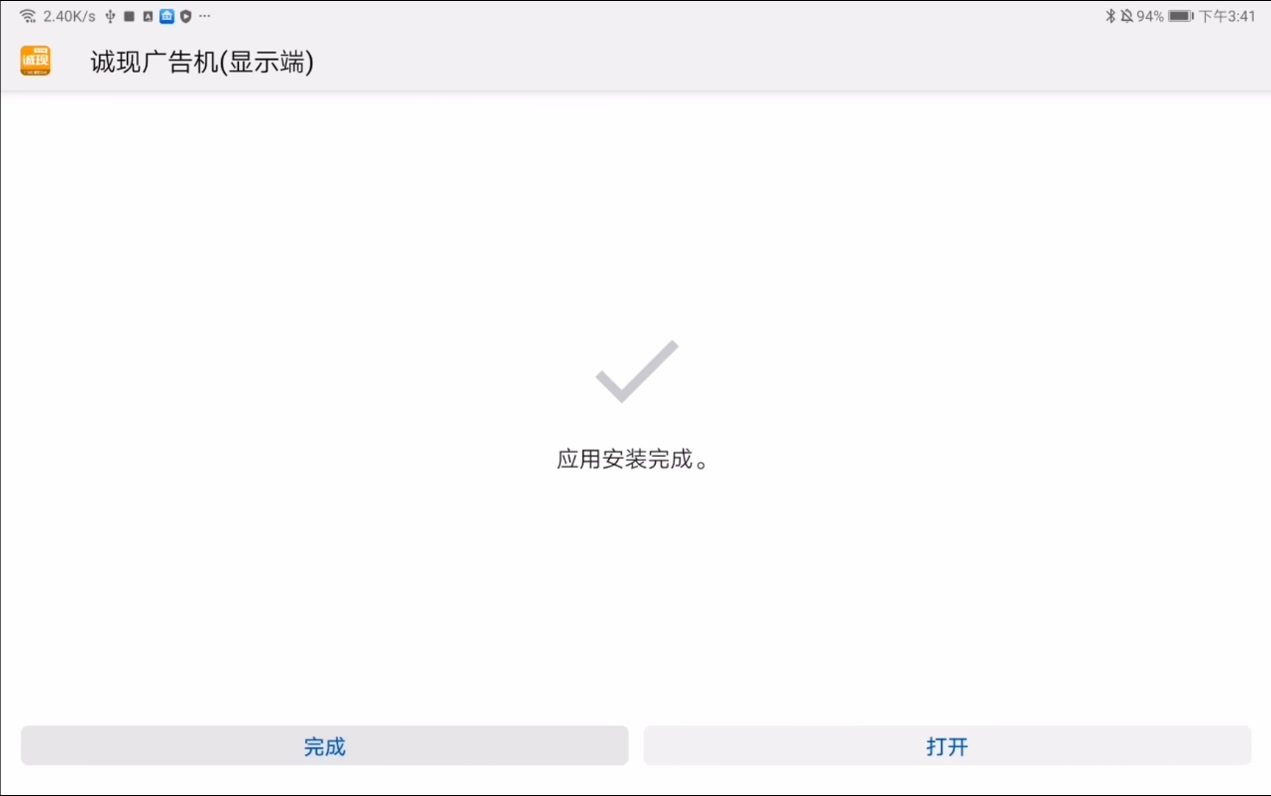
- After the installation is complete, you can open it.
Install via Dangbei Market
⚠️ Note: Due to app market listing restrictions, the auto-start-on-boot version cannot be listed. If you need this feature, please install it by downloading the installation package from the official website.
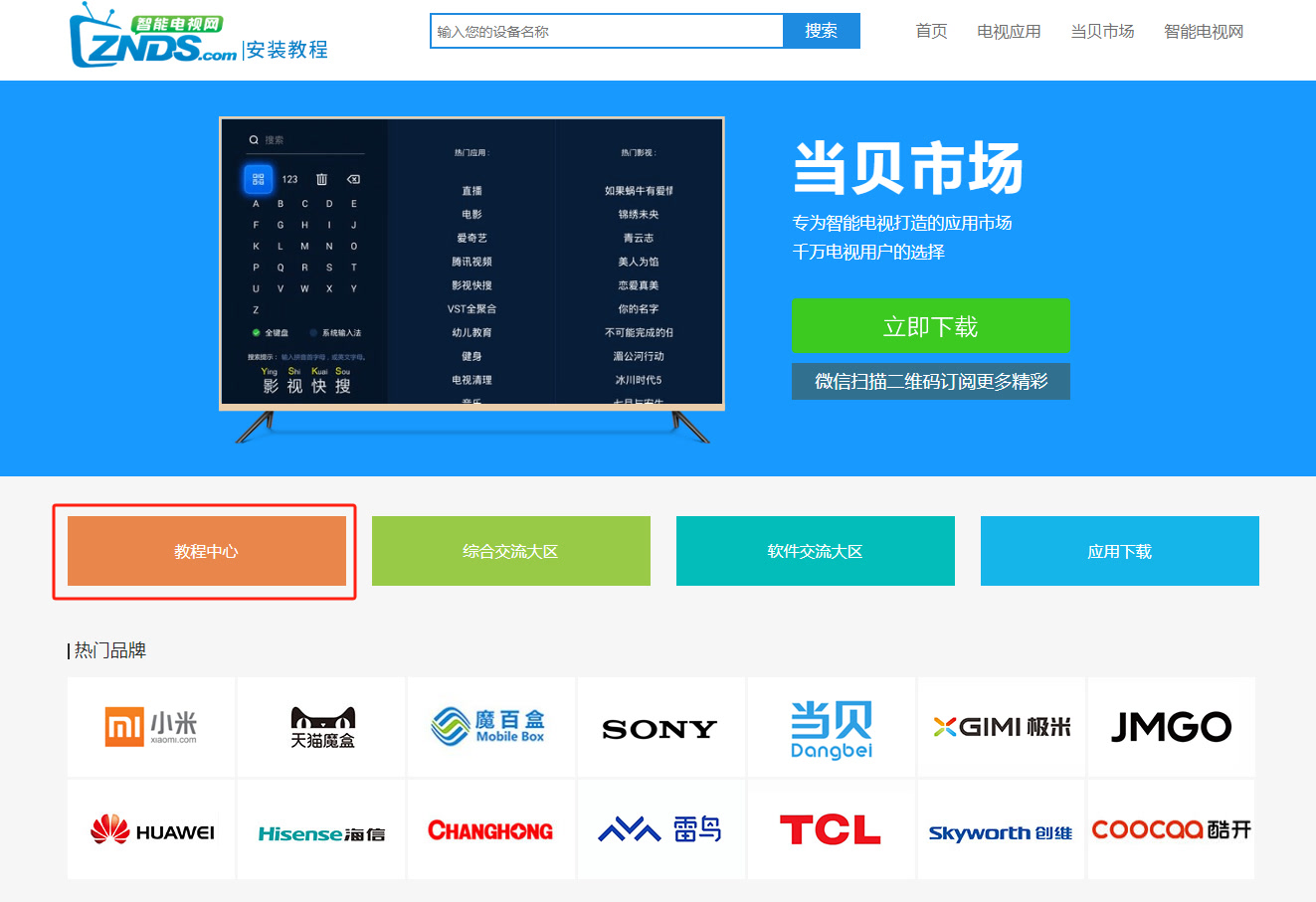
First, make sure that Dangbei Market is installed on the TV (or other devices, here we take the TV as an example). If it is not installed, please refer to Dangbei Market's installation tutorial to install Dangbei Market on the TV;
Open the Dangbei Market APP, enter the pinyin initials of CXPlayer in the search bar, i.e., CXGGJ, to search for our software, and click the install button to install it.